Apple Issues Emergency Update: Why You Must Install iOS 26.4.2 and 18.7.8 Right Now
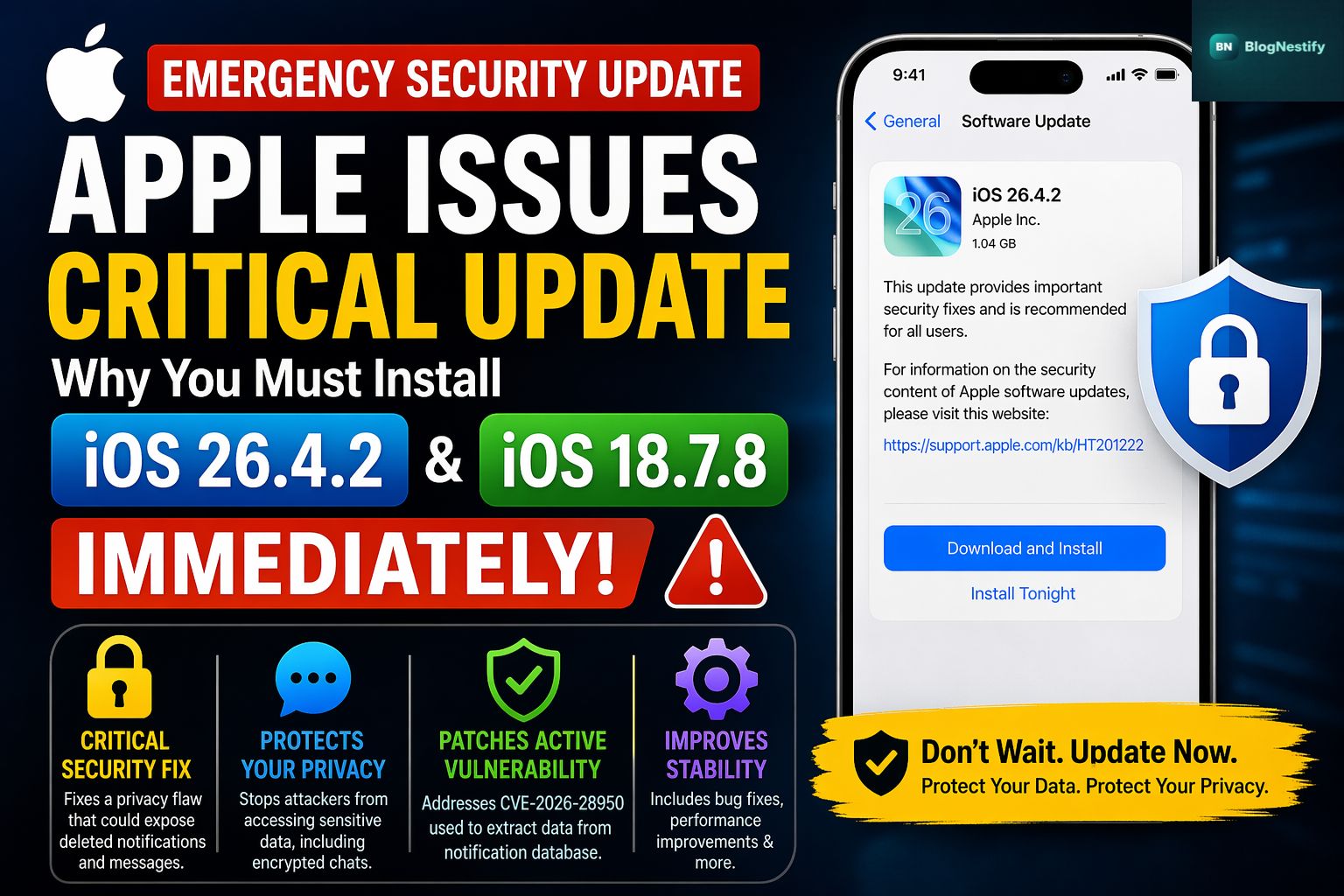
Apple has just pulled the trigger on a critical "Update Now" warning for iPhone and iPad users worldwide. The tech giant released iOS 26.4.2 and iOS 18.7.8 to address a specific security vulnerability that has major implications for your digital privacy.
While most updates are about new features, this one is strictly about keeping your personal data out of the wrong hands. Here is everything you need to know about why this emergency patch is hitting your device today.
The Privacy Loophole: What’s Actually Wrong?
The core of this update involves Notification Services. Under normal circumstances, when you delete a notification or a message, you expect it to vanish from your device's memory. However, a flaw tracked as CVE-2026-28950 revealed that notifications marked for deletion were being unexpectedly retained in the iPhone’s internal database.
Why is this a big deal?
- Persistent Data: Even if you "clear" your notifications, the text could remain stored on the hardware.
- Encrypted App Vulnerability: Reports suggest this flaw is the same one recently used to extract copies of incoming Signal messages from a device. Because the notification database saved the message content separately from the app, the "disappearing message" feature was essentially bypassed.
Apple rarely issues standalone emergency updates unless the risk of data exploitation is high. If you value the privacy of your chats and alerts, this is a non-negotiable update.
A Shift in Apple's Security Strategy
Interestingly, Apple is offering these patches across two major generations of software. Whether you are running the cutting-edge iOS 26 or prefer the stability of iOS 18, Apple has a fix ready.
This move follows the recent "DarkSword" spyware scare, suggesting that Apple is becoming more aggressive in protecting users who choose to stay on older operating systems. By releasing iOS 18.7.8 alongside iOS 26.4.2, they are ensuring that even users on legacy software aren't left vulnerable to modern exploits.
What Else Is New in iOS 26.4.2?
If the security fix isn't enough to sway you, users already on the iOS 26 track will get a few "quality of life" upgrades with this version:
- Apple Music Concerts: A new way to track live performances from your favorite artists.
- New Emojis: Eight brand-new icons to freshen up your texts.
- General Stability: Various bug fixes for a smoother UI experience.
Supported Devices
The emergency patch is available for a wide range of hardware:
- iPhone 11 and later models.
- iPad Pro (12.9-inch 3rd gen+, 11-inch 1st gen+).
- iPad Air (3rd gen and later).
- iPad mini (5th gen and later).
- iPad (8th gen and later).
How to Update Right Now
Don't wait for the automatic overnight update to kick in. You can manually trigger the download in about 30 seconds:
- Open Settings.
- Tap General.
- Select Software Update.
- Tap Download and Install.
Ensure your device is connected to Wi-Fi and has at least 50% battery (or is plugged into a charger) to ensure the installation isn't interrupted.
0 Comments
Leave a Comment