Google's Gboard Just Got a Serious Gemini AI Upgrade — Here's What Actually Changed
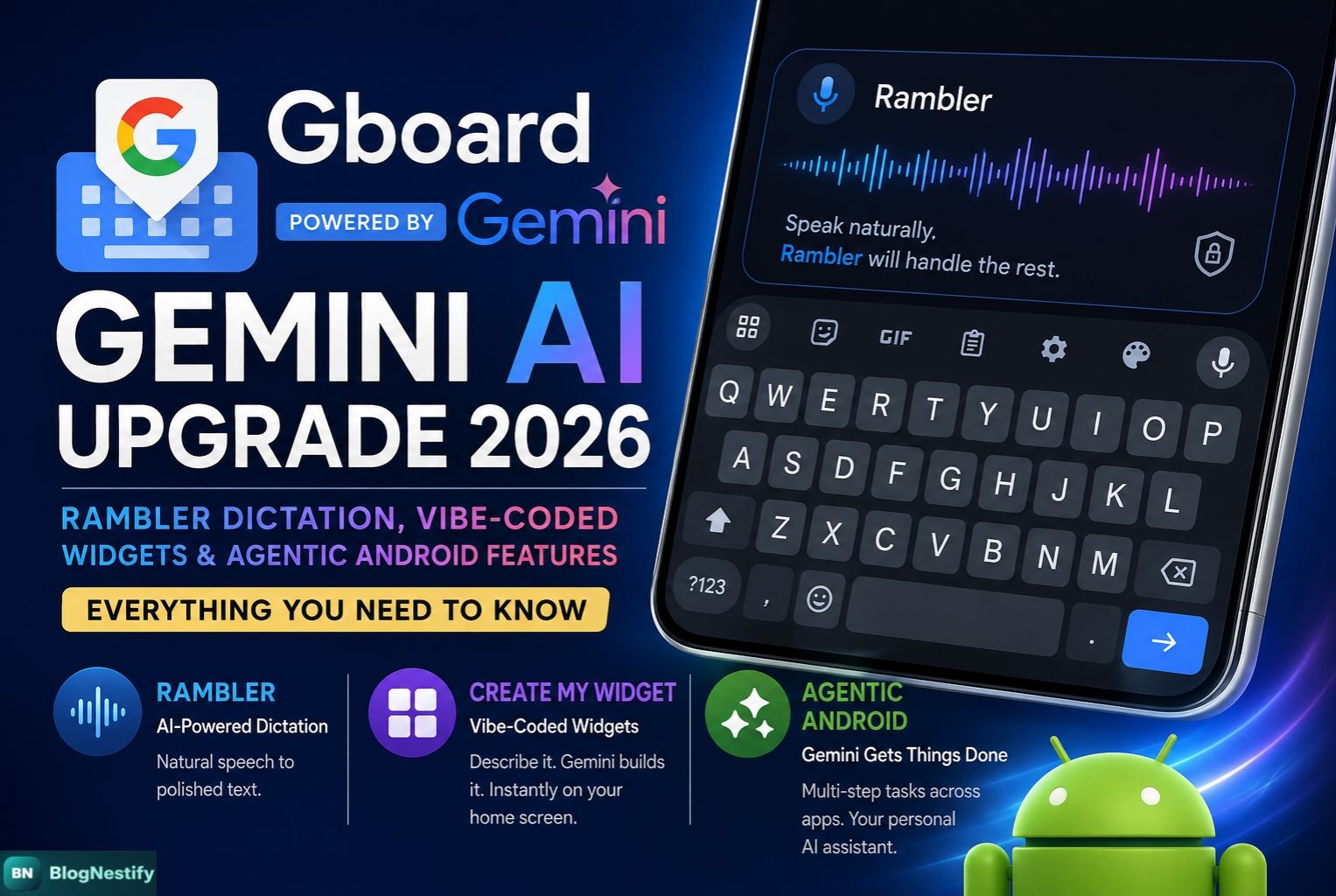
Google just rewired how you'll interact with your Android keyboard. At its Android Show: I/O Edition 2026 event, the company announced that Gboard is getting a full Gemini AI injection — with a dictation engine called Rambler, custom vibe-coded widgets, and a wave of agentic capabilities that turn your phone into something closer to a personal assistant. Here's everything you need to know.
What Is Gemini Intelligence — and Why Does Gboard Matter?
Google is grouping its best new AI features under a single umbrella brand called Gemini Intelligence. Think of it as Google's answer to Apple Intelligence — a suite of AI capabilities woven directly into Android at the OS level, not bolted on as a separate app you have to open. The Gboard keyboard sits at the center of this, because it's where billions of people actually type things every day.
This matters more than it sounds. Gboard is the default keyboard for the vast majority of Android users worldwide. When Google bakes a feature into Gboard, it doesn't need you to download anything — it just shows up. That kind of distribution is something specialized AI apps like Wispr Flow or Superwhisper simply can't compete with on Android, no matter how good their technology is.
Gboard reaches hundreds of millions of Android users as the default keyboard. Any AI feature Google adds to Gboard is instantly available to most Android users without a single extra download or setup step.
Rambler: The AI Dictation Feature Inside Gboard
The headline feature is called Rambler — and the name is intentionally self-aware. Google built it to handle the way people actually talk, not the cleaned-up version we imagine when we hit the microphone button and suddenly forget every filler word we've ever used.
Here's what Rambler does differently. Traditional voice typing transcribes more or less what you say, word for word. If you say "Let's meet at, uh, 3 p.m. — actually wait, make that 2 p.m.," your traditional keyboard will faithfully write something embarrassing. Rambler figures out what you were trying to say and outputs "Let's meet at 2 p.m." That's the pitch, and from what Google has shown, it works.
"With Rambler, you can speak naturally and it will take the important parts, then fit them all together into a concise message."
The underlying engine runs on Gemini's multilingual models. This allows something called code switching — the ability to jump between languages mid-sentence without losing context. So if you're writing a message and naturally slip from English into Hindi (or Spanish, or French), Rambler follows along and still produces coherent output. That's not easy. Most dictation engines fall apart the moment you deviate from a single language, and Google has solved it at the keyboard level.
Privacy: Does Rambler Store Your Voice?
Google addressed this directly. Rambler shows a clear visual indicator — a full-width waveform on the keyboard — when it's actively processing your speech. More importantly, audio is used only for real-time transcription and is not stored or saved afterward. That's a meaningful commitment for a feature that runs through a cloud AI model, and it addresses the obvious concern most people will have when they first hear about this.
Quick note: Rambler is integrated into Gboard itself — not a standalone app. This means it works inside every app that supports Gboard: Gmail, WhatsApp, Slack, Notes, Messages, Chrome, anything.
How Rambler Compares to Existing AI Dictation Apps
Wispr Flow, Typeless, Superwhisper, and Monologue have been quietly building audiences for AI-powered dictation — mostly on desktop and iOS. Android has been the gap. Until now. Here's an honest look at how Rambler stacks up against those apps on the things that actually matter:
| Feature | Gboard Rambler | Wispr Flow / Typeless |
|---|---|---|
| Filler word removal | ✓ Yes | ✓ Yes |
| Mid-sentence correction | ✓ Yes | Partial |
| Multilingual / code switching | ✓ Yes | Limited |
| Works in all Android apps | ✓ Native | Requires overlay |
| Separate download required | No | Yes |
| Audio stored after session | Not stored | Varies by app |
| Price | Free | Subscription required |
The standalone dictation apps built their moat on accuracy and polish. Rambler's moat is distribution and zero friction — it's just there, in every Android app, for free. That's a different kind of competitive advantage, and for most users it will be plenty good enough.
Create My Widget: Vibe-Coding Your Android Home Screen
The second major piece of Gemini Intelligence is something Google calls Create My Widget — and yes, "vibe-coded widgets" is basically what they are. You describe what you want a widget to do in plain language, and Gemini builds a functional, resizable home screen widget for you.
Google's examples give you a feel for what this looks like in practice. You could say "Suggest three high-protein meal prep recipes every week" and watch a custom meal-planning dashboard appear on your home screen. Or tell it "I only care about wind speed and rain" and get a stripped-down weather widget that shows exactly those two things instead of the usual temperature-humidity-UV-index soup that default weather apps serve you.
Ask for weekly high-protein recipe suggestions. Gets a custom dashboard built and pinned to your home screen automatically.
Describe exactly what weather data you need — wind, rain, nothing else — and Gemini builds a widget that surfaces only that.
Any repeating information you want front-and-center on your home screen, built from a plain-language description.
Nothing, the hardware startup, did something similar last year with its Essential Apps feature. Google's version has the advantage of running on Gemini's full model capabilities and being baked into the Android OS itself, so the widgets are functional and intelligent rather than just cosmetically customized.
Agentic Android: What It Means When Gemini Controls Your Phone
Beyond Gboard, the bigger picture here is Android becoming what Google calls an agentic AI platform. Gemini isn't just answering questions anymore — it's doing things on your behalf, across multiple apps, with minimal input from you.
The clearest demo Google has shown: you photograph a shopping list, press the power button, and say "add these to my cart in the shopping app." Gemini reads the screen, opens the shopping app, searches for each item, and adds them to the cart — stopping to ask for your confirmation before checking out. Multi-step, cross-app task automation, handled without you having to manually switch between apps and copy-paste anything.
Other agentic features announced alongside this:
- Automatically copy a grocery list from your notes app and build a cart in a shopping app
- Find a class syllabus in Gmail and then search for related books
- Browse the web autonomously and book appointments (experimental, Chrome for Android, late June)
- Smarter Autofill that pulls context from Gmail and Google Photos to pre-populate forms
The autonomous web-browsing feature in Chrome for Android requires an AI Pro ($20/month) or AI Ultra ($250/month) subscription in the US at launch. Most other Gemini Intelligence features — including Rambler and Create My Widget — are free.
Rollout Timeline: When Does Your Device Get This?
-
1March 2026 — Early Agentic Features
Multi-step task automation rolled out to Samsung Galaxy S26 and Pixel 10 users ahead of the main announcement.
-
2Summer 2026 — Rambler & Create My Widget
Gboard Rambler dictation and vibe-coded widgets launch on Samsung Galaxy and Google Pixel phones first.
-
3Late June 2026 — Gemini in Chrome for Android
Auto-browse and webpage summarization features arrive. Agentic browsing requires Android 12+, 4GB RAM, and a paid AI subscription.
-
4Late 2026 — Broader Android + Wear OS + Auto
Gemini Intelligence expands to other Android devices, Wear OS, Android Auto, and eventually Googlebooks laptops.
What This Actually Means for You
Here's the honest take: most of the Rambler and widget features will work well for the kind of tasks people actually do dozens of times a day — voice notes, quick messages, home screen organization. The dictation improvement alone is the kind of thing that, once you've used it, makes going back feel broken.
The agentic features are more interesting and a little more uneven. Cross-app task automation is genuinely useful when it works. But it also requires trusting that Gemini is reading your screen correctly and doing what you asked — which is a reasonable ask for a grocery cart, less so for anything involving money or personal information. Google's decision to require human confirmation before completing purchases is the right call.
The paid tier for autonomous browsing is worth noting. Most people won't pay $20 a month for it at launch — and that's fine. The free features are substantial enough to be genuinely useful on their own. The subscription gates the most powerful capabilities for now, which is probably how Google wants to introduce something this significant.
Frequently Asked Questions
Questions people are asking about Gboard's Gemini AI upgrade and Rambler dictation.
Rambler is a Gemini AI-powered dictation feature inside Gboard. It converts your natural, unpolished speech into clean text — removing filler words like "um" and "uh," understanding mid-sentence corrections, and supporting multilingual code-switching. You can switch languages mid-sentence and it follows along without losing context.
Google announced Rambler at its Android Show: I/O Edition on May 12, 2026. The initial rollout is planned for summer 2026, starting with Samsung Galaxy and Google Pixel phones. Broader Android availability is expected later in the year.
Called "Create My Widget" officially, vibe-coded widgets let you build custom Android home-screen widgets by describing what you want in plain language. For example, say "Suggest three high-protein meal prep recipes every week" and Gemini builds a functional meal-planning widget directly on your home screen — no coding needed.
No. Google has explicitly stated that Rambler does not store or save audio after transcription. Audio is processed in real-time only and is not retained once your message is converted to text. Gboard also shows a visible waveform indicator whenever Rambler is actively listening.
Under Gemini Intelligence, Android can now automate multi-step tasks across apps — like photographing a shopping list and adding those items to a cart in a shopping app. Gemini can also summarize web pages in Chrome, fill out complex forms using context from Gmail and Google Photos, and autonomously browse the web to complete tasks (this last feature requires a paid AI Pro or AI Ultra subscription in the US).
Yes. Since Rambler is built directly into Gboard, it works across any Android app where you use the Gboard keyboard — Gmail, WhatsApp, Slack, Notion, Google Messages, and more. Unlike standalone dictation apps that require overlays or switching apps, Rambler is right there wherever you type.
0 Comments
Leave a Comment